
Connecting to dedicated.bullionet.it
The infrastructure panel for dedicated servers, how to log in to it, and what it does that the client area does not.
dedicated.bullionet.it is the panel that runs our dedicated servers. It is a DCImanager, in Bullionet colours, and it sits one level below the client area: the client area knows your account and your invoices, this panel knows the machine.
Logging in
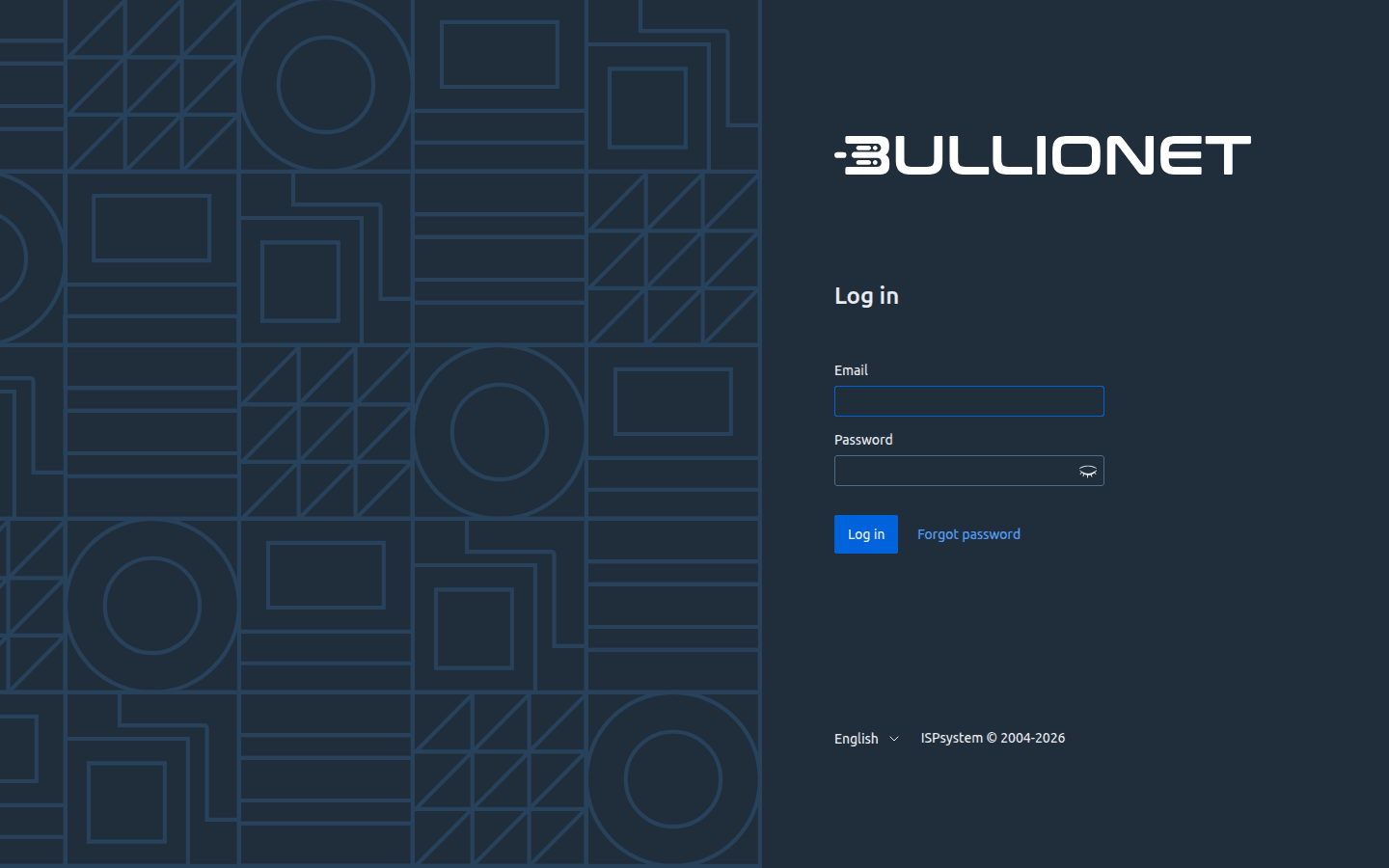
Open dedicated.bullionet.it. The page asks for an email address and a password.
Careful
These credentials are not your client area credentials, and neither are they the root password of your server. Three separate accounts, three separate passwords.
Lost the password? Forgot password sends a reset link to the address on the account. No account yet, or the address is not recognised? Open a ticket from the client area with your service identifier and ask for access.
What you do there
The panel addresses the machine directly: its power state, its console, the system installed on it, its network. It is the right place when you want to watch an operation as it runs rather than launch it and wait.
For everything routine, the client area is shorter: reboot, power off, console, reinstall, rescue and IP addresses are all on the service page, one click away, and they act on the same machine.
If the panel does not answer
The panel and your server are two different machines. A panel that does not load says nothing about your server, which keeps running. Check your own connection, then open a ticket if it persists.
The reverse is also true: a server that no longer answers on the network is often still reachable through its console, which the panel and the client area both provide.
Reviewed on September 14, 2026