
The client area
What the panel at eclypse.bullionet.com manages, and how your session there ties into bullionet.com.
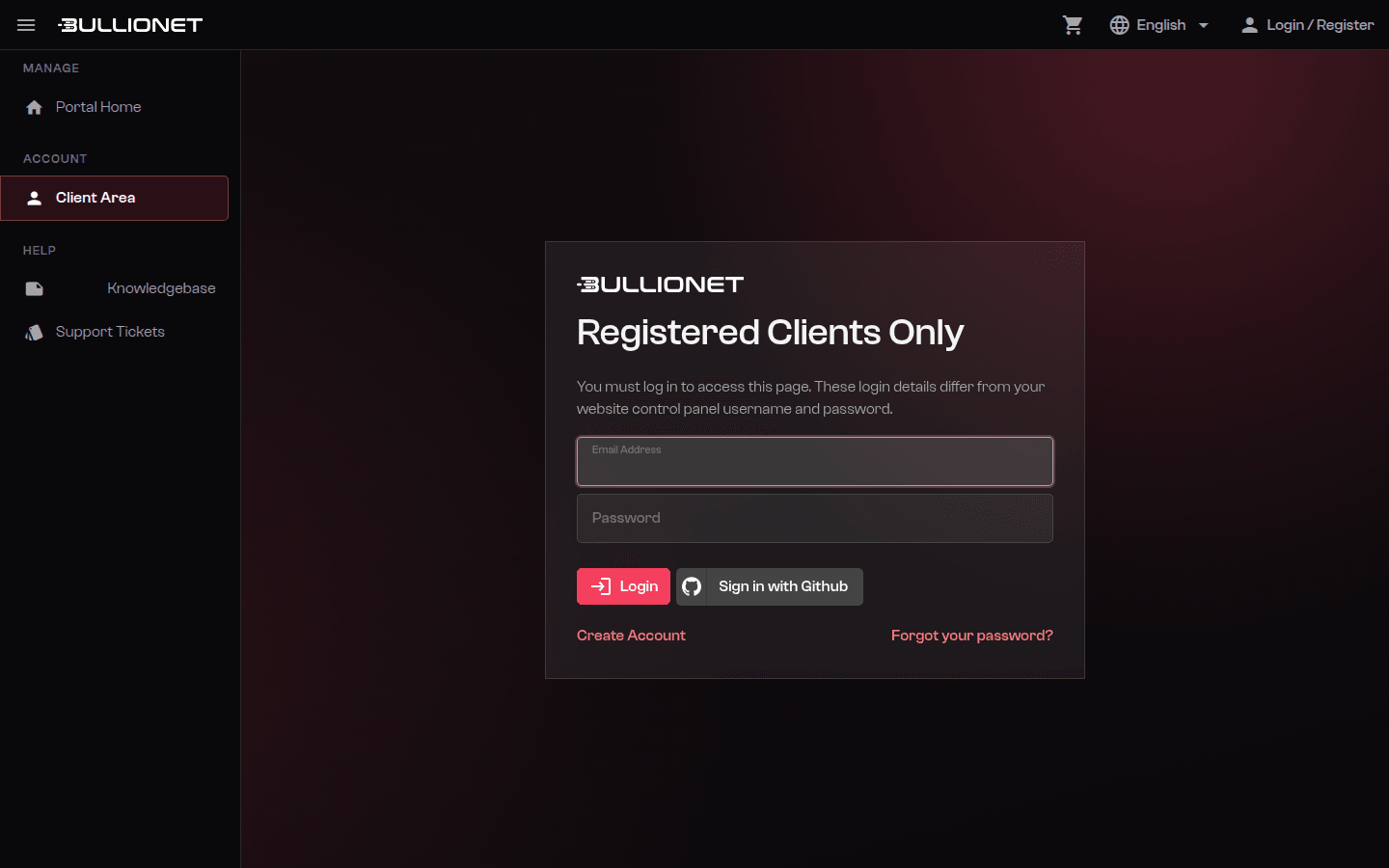
The client area is at eclypse.bullionet.com. The account is created during your first order, or directly through the signup page.
What you manage there
| Area | What you do |
|---|---|
| Services | See each server, its IP addresses, its renewal date, and start an OS reinstall |
| Invoices | Download invoices as PDF and pay the open ones |
| Payment methods | Register or replace a card, choose how you pay |
| Tickets | Open and follow support threads, with the history attached to your account |
| Account details | Company details, VAT number, billing address, contacts |
Each server has its own service page. That page is the starting point for a reinstall, for IP addresses, and for the out-of-band credentials.
Your session on bullionet.com
While you are logged in to the client area, bullionet.com recognises the session and shows your name in the header instead of the signup link. Ordering from the website then skips the account steps and goes straight to the recap.
Logging out of the client area ends both.
Keeping the account reachable
- Use an address you actually read for the account contact. Renewal notices, delivery emails and incident notifications all go there.
- Add a second contact if more than one person operates the servers, so a holiday does not become an expired service.
- Keep the billing address and VAT number current. They are printed on the invoice, and correcting an issued invoice takes a ticket.
Careful
The client area password is not the root password of your servers, and should never be the same. Same for the out-of-band interface: three separate credentials.
Reviewed on September 1, 2026