
Managing your server
The client area service page, the out-of-band console, reinstalling the system, installing Windows, and the dedicated.bullionet.it panel.
Everything you do to the machine itself happens in one of two places: the client area, where your services live, and the infrastructure panel behind it. This section covers both, plus the operations you will actually run: opening a console, reinstalling, putting Windows on the server, getting back in when the system no longer answers.
The two panels
| eclypse.bullionet.com | dedicated.bullionet.it | |
|---|---|---|
| What it is | The client area: your account, your services, your invoices | The infrastructure panel that runs the machines |
| Day to day | Reboot, power off, console, reinstall, rescue, ISO, IP addresses, bandwidth | Direct access to the same machine, one level lower |
| You also find | Invoices, payment methods, support tickets, account details | Nothing about billing |
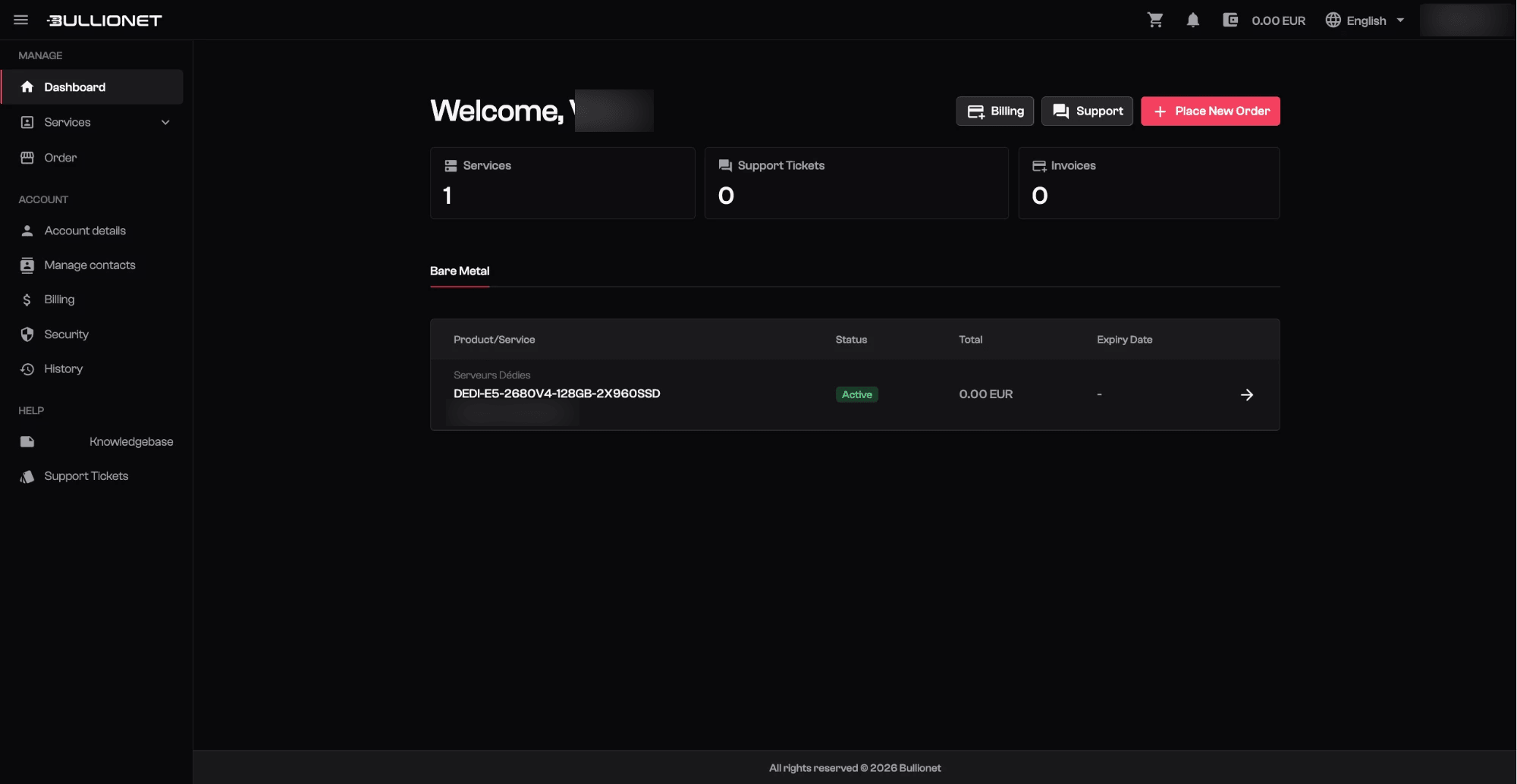
Start from the client area. It covers everything on this page, and its service page is where the buttons below live. The other panel is described in connecting to dedicated.bullionet.it.
The service page
In the client area, Services then your server opens a page with the machine's name, its state, and three buttons: Reboot, Power off and Console. Below them, tabs cover the rest:
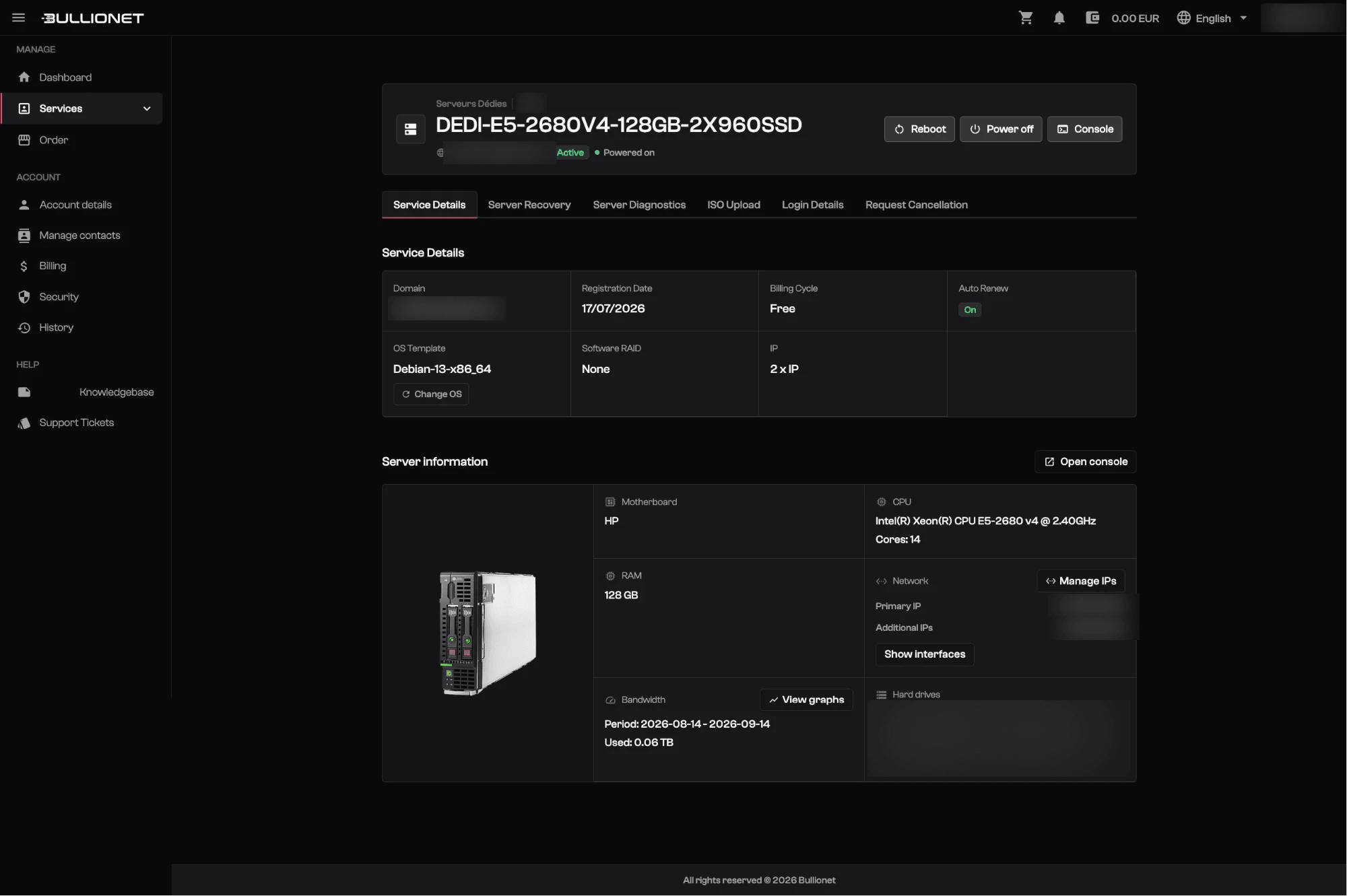
| Tab | What it does |
|---|---|
| Service Details | The system installed, the billing cycle, the IP addresses, and the button that reinstalls the machine |
| Server Recovery | Boots the server into a rescue system, without touching the drives |
| Server Diagnostics | Hardware readings on the machine |
| ISO Upload | The ISO images available to boot from the console |
| Login Details | The credentials delivered with the server |
| Request Cancellation | Stops the service at the end of the paid period |
The same page shows the hardware you actually have: motherboard, processor and core count, memory, drives with their model, the primary and additional IP addresses, and the bandwidth used over the period.
Careful
Reboot and Power off act on the power, like the button on the front panel. When the system still answers, reboot over SSH is cleaner: it lets services stop and filesystems unmount.
What to read next
- Connecting to dedicated.bullionet.it for the infrastructure panel.
- The IPMI and BMC console to see the screen of a machine that no longer answers.
- Reinstalling your OS for a clean system.
- Installing Windows for Windows Server, and how to connect to it.
- IPMI and rescue for the order to follow when a server is unreachable.
Reviewed on September 14, 2026