
Ordering a server
Choosing a configuration, the delivery time attached to each stock state, and how payment validation gates provisioning.
Choose a configuration
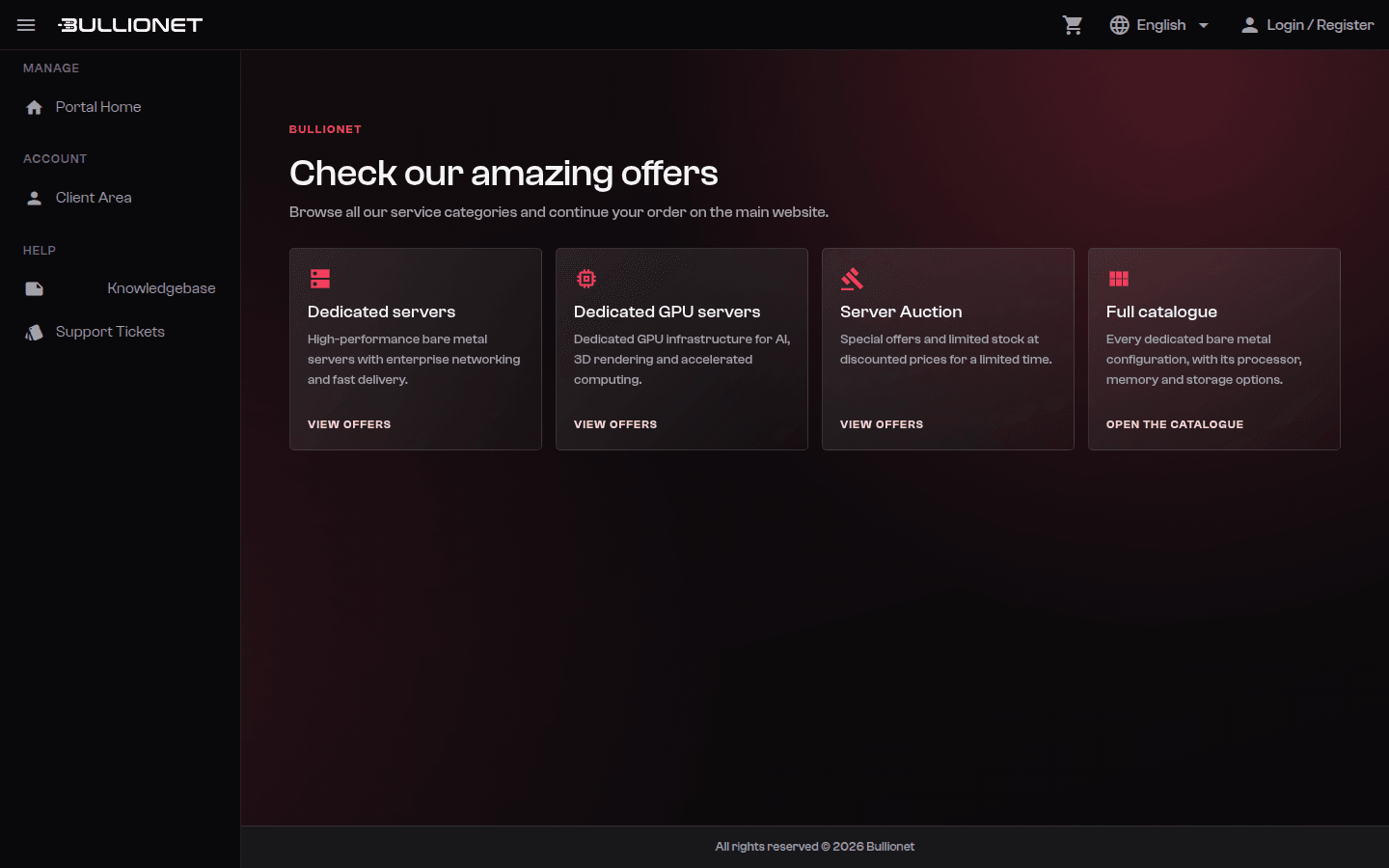
Three catalogues lead to a dedicated machine:
- Dedicated servers: the standard catalogue, Intel Xeon and AMD Ryzen or EPYC, with RAM, storage and uplink adjustable in the table before you add the configuration to your cart.
- GPU servers: 1 to 8 GPU nodes, from RTX A5000 to H200 SXM5.
- Server Auction: pre-configured refurbished machines, one unit per listing. What you see is the machine, there is nothing to customise.
If nothing in the tables matches what you need, send an order request from the dedicated servers page. Our team confirms the build, the price and a delivery date before anything is billed.
Delivery time follows the stock state
Each configuration carries its own stock state, shown on the product page:
| Stock state | Delivery |
|---|---|
| In stock | Provisioned automatically, a few minutes after payment is confirmed |
| Prepared on request | Within 2 business days |
| Out of stock | Within 5 business days |
Server Auction units are already racked and configured, so they follow the in-stock path.
Note
Those windows start when the payment is confirmed, not when the order is placed. A card payment confirms immediately; the other methods do not.
Checkout
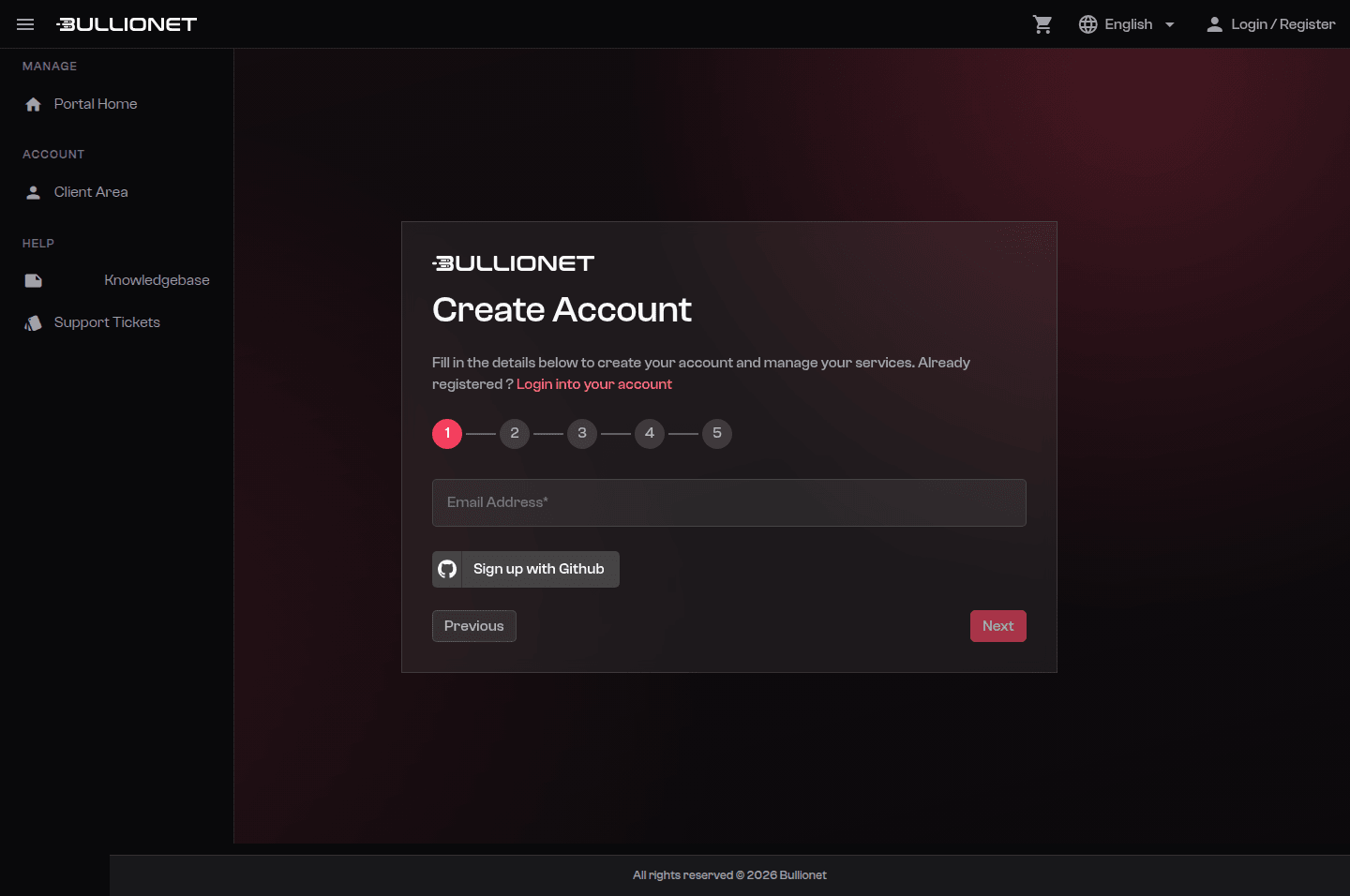
Checkout walks through four steps: your email address, your account details, a password if the account is new, then a recap before payment. An existing client area session is picked up automatically, so returning customers go straight to the recap.
Payment methods and their confirmation delay:
- Bank card: confirmed immediately.
- Cryptocurrency (Bitcoin, Ethereum, Monero, USDT, USDC): confirmed once the network confirms the transaction, usually a few minutes. See the crypto payment pages for the detail per coin.
- Bank transfer and SEPA direct debit: available on request through a support ticket. Confirmation follows your bank's timing.
What you receive
Once provisioning finishes, your access details are sent to the email address on the account and remain visible on the service page in the client area: the primary IP address, the installed system, and the root credentials.
Careful
Change the delivered root password on your first connection, and prefer key authentication from there on. The steps are in First connection.
Changing the configuration later
RAM, storage and uplink are chosen at order time. Adding disks or memory to a running server means a maintenance window in the datacenter: open a ticket with what you need and our team schedules it. Uplink upgrades and additional IP addresses do not require downtime.
Reviewed on September 1, 2026